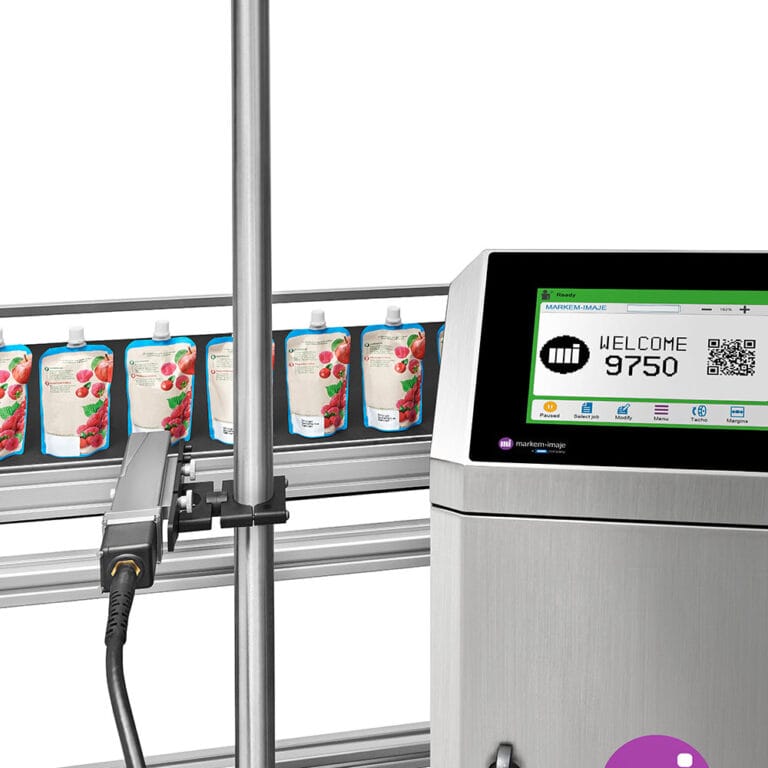
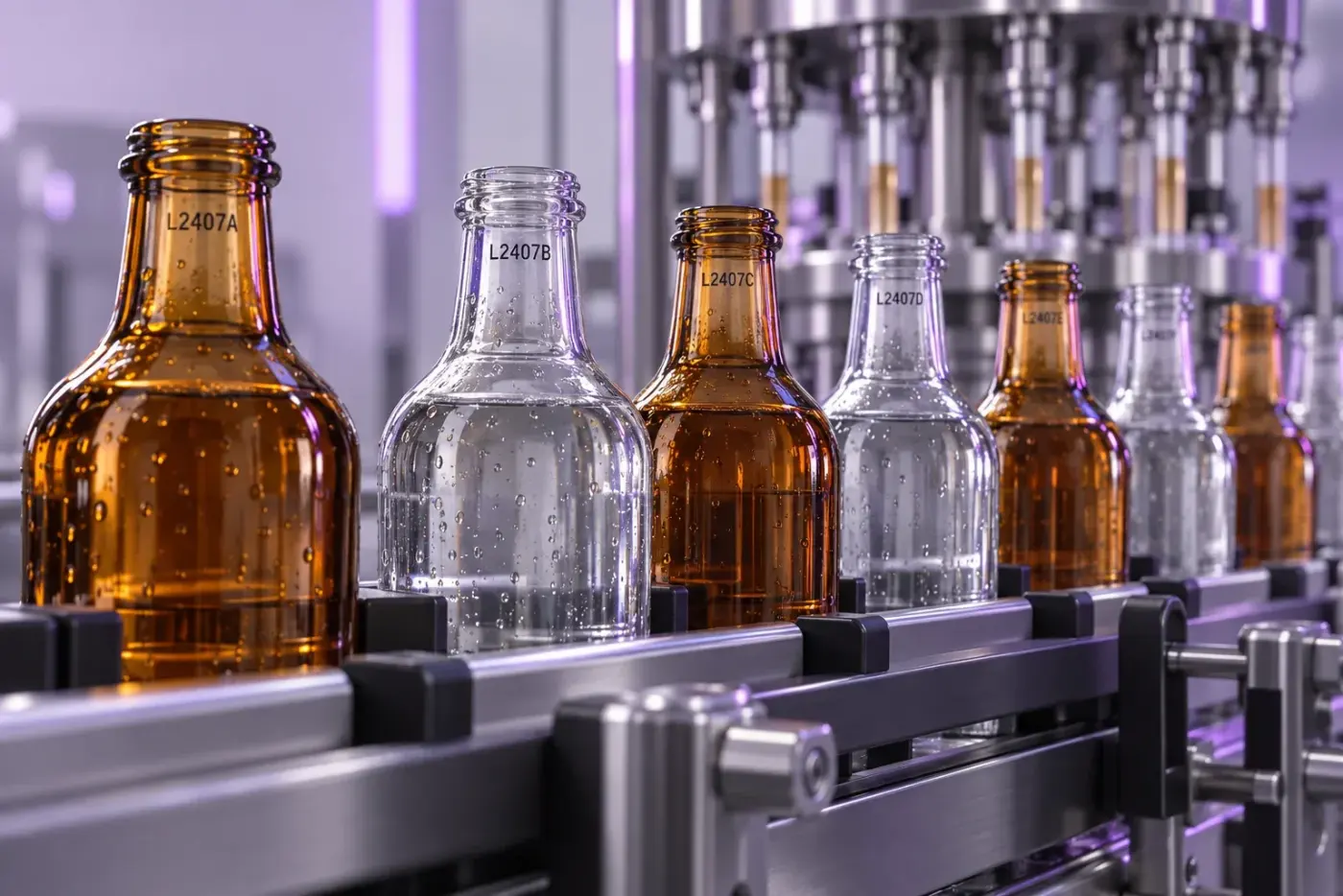

If your cases or pallets are still labeled by printing the label separately and sticking it on by hand, you pay for it every shift: in working hours, in wrong labels and in customer complaints. A Print & Apply system takes over this repetitive work: it prints the label with the correct data and applies it automatically, on every package. In this article we show you how to work out whether it pays off, which signs tell you the time has come and how to set up the project in your plant.

What does manual labeling really cost you?
Manual labeling costs more than the wages of the person doing it. The visible cost is labor: one or more operators who, shift after shift, print labels, look for the right one and stick them on cases. The hidden costs show up later, at the customer or at goods-in.
- Wrong or swapped labels. A label on another product’s case, or with the wrong batch, means relabeling, returns or, in a recall, not knowing exactly what left the plant.
- Codes that cannot be read. A label stuck on crooked, over an edge or over film can be rejected at the customer’s goods-in. Retail chains and logistics providers may charge penalties for this.
- The line waits for labeling. When the rate goes up, the person labeling becomes the point where cases pile up.
- Tiring work and staff turnover. The same movement hundreds of times per shift is exactly the kind of job that is hard to fill and quick to lose. Every new person needs training and makes mistakes at first.
The first step is not choosing equipment, but a simple calculation of these costs for your plant.
How do you work out whether a Print & Apply system pays off?
Compare the annual cost of manual labeling with the investment and running costs of the automatic system. You need four figures you already have in your plant:
- how many people handle labeling on each shift;
- how many shifts the line runs;
- what one such operator costs you per month, including employer contributions;
- how many labeling problems occur per month (complaints, relabeling, returns) and what one costs you on average.
Example calculation, with assumptions you replace with your own figures: one operator per shift, two shifts, a total cost of EUR 1,200 per month per operator and 10 labeling problems per month, each costing EUR 60 on average.
- labor: 1 operator × 2 shifts × EUR 1,200 × 12 months = EUR 28,800 per year;
- errors: 10 × EUR 60 × 12 months = EUR 7,200 per year;
- total: EUR 36,000 per year spent on manual labeling.
From this amount, subtract the annual costs of the automatic system (ribbon, wear parts, maintenance), which you get in the quote. You buy the labels anyway, manual or not. What remains is the annual saving. Divide the investment by the monthly saving to find out how many months it takes to pay back.
Calculator: how much you save by ending manual labeling
The starting values are those from the example. Replace them with the figures from your plant.
The calculation assumes the operators move to other tasks. Part of one person’s time remains for changing rolls and checks; you can deduct it from the number of operators. The result is an estimate, not a quote.
Don’t have exact error figures? For one month, count the complaints, the relabeled cases and the cases returned because of the label. Even a cautious estimate shows whether the discussion is worth continuing.
What does a Print & Apply system do instead of the operator?
The system does the same work your labeling operator does today, but the same way every time, for the whole shift:
- it takes the correct data itself (product, batch, date, customer, barcode) from the production software or the ERP, without anyone typing it;
- it prints the label exactly when the case reaches it;
- it applies it in the same place on every case or pallet;
- it checks that the code can be read and flags the problem case before it leaves the plant.
The person is left with changing the label and ribbon rolls and keeping an eye on the system. For the Markem-Imaje 2200 Series, the manufacturer states roll changes in under 40 seconds and under 5 minutes of training for operation. The operator does not become a technician: they learn to load and supervise the equipment.

Which signs tell you the time has come?
It is worth looking at automating labeling if you recognize at least two of the situations below:
- you have one person busy with labeling on every shift and find it hard to replace them when they are absent;
- customers or warehouses have reported wrong, missing or unreadable labels;
- you relabel cases or pallets before shipping;
- the number of products and label versions has grown, and changing labels between batches takes time;
- the line could run faster, but labeling cannot keep up;
- large customers ask you for standardized logistics labels, with an SSCC on the pallet, or for 2D codes.
What do you gain besides labor?
The labor saving shows first, but it is often not the biggest gain. The other benefits are harder to put into figures, but they matter in your relationship with customers:
- fewer complaints: the right label goes on the right case, and the code is checked before shipping;
- real traceability: you know which batch went to which customer, and any recall is based on data, not guesswork;
- a professional image at goods-in: clean labels, in the same position, easy to scan;
- production that does not depend on one person: if the labeling operator is absent, the line keeps running;
- ready for new requirements: the same system also prints the 2D codes more and more customers will ask for.
How is pallet labeling handled?
On pallets the problem is usually bigger: the label is hard to apply correctly by hand, on film, at the right height, on two sides. Print & Apply systems for pallets do this at the end of the line. The Markem-Imaje 2200 Pallet, for example, labels one or two sides of the pallet, at up to 120 pallets per hour, according to the manufacturer.

The pallet label usually carries the SSCC, the code that uniquely identifies each pallet. Large customers use it to receive goods by scanning. If you also automate palletizing or stretch wrapping, pallet labeling fits into the same flow.
What do 2D codes mean for you?
2D codes (QR or DataMatrix) can carry the product code, the batch and the expiry date in a single symbol. GS1, the organization that manages barcodes, has set through its Sunrise 2027 initiative the goal that stores should be able to read 2D codes by the end of 2027. For a manufacturer, this means more and more customers will ask for these codes on packaging.
Why will they ask for them? In an article on inventory management, Markem-Imaje shows what stores gain when the batch and expiry date are read automatically: they find out which products are nearing their date without manual checks, quickly locate the affected batch in a recall and rotate stock correctly. For you, as a supplier, one thing matters: the code has to be printed correctly, with the right data, on every package. That is exactly what a Print & Apply system linked to production data does.

To understand better what data goes into a 2D code, read our guide to GS1 Sunrise 2027 compliant 2D codes.
How do you set up the project in your plant?
An automatic labeling project succeeds when you treat it as a business decision, not as buying a machine. Markem-Imaje sees the same with 2D code projects: they involve finance, production, IT and quality, not just one department. A few practical steps:
- Measure today’s situation. How many labels per day, how many people, how many problems per month. The calculator above gives you a first figure.
- Involve the right people from the start: finance (wants the payback figure), the production manager (knows where the line gets stuck), IT (knows where the label data comes from) and quality (answers for complaints).
- Collect your customers’ requirements. What the label must contain, where it goes, which codes they ask for.
- Film the labeling workstation for a few minutes and photograph the packaging. For a supplier, a video says more than a description.
- Ask for a total cost calculation, not just the equipment price: consumables, wear parts, service. Equipment that is cheaper to buy can cost more over a few years.
How does Imark Sistem help you?
We start from your line, not from the catalog. We come to see the labeling workstation, discuss what your customers require and work through the savings calculation together. We then propose the Markem-Imaje Print & Apply system that fits your cases or pallets, connect it to your data source and train your team. After commissioning, we provide service and consumables.
As a GS1 Solution Provider Gold 2026, we also help with the structure of labels and GS1 codes, including the move to 2D codes. If you want the technical details, you will find them in the 2200 Series and 2200 Pallet datasheets and on our industrial labeling systems page.
Send us the figures from the calculator or a video of the labeling workstation. You can reach us at +40 21 255 71 74 or at office@imarke.ro.
Frequently asked questions about automatic labeling
How much does a Print & Apply system cost?
The price depends on what you label (cases or pallets), on how many sides, on the line rate and on the connection to your data systems. That is why we start with a review of the workstation. More important than the price is how many months it takes to pay back, and the calculator in this article helps you estimate that.
What happens to the operator who labels today?
They usually move to other tasks: line feeding, quality control, palletizing or shipping. Part of their time remains for changing rolls and watching the labeler.
I have many products and cases of different sizes. Can this be automated?
Yes. This is where you gain the most: the system takes the correct label for each product from the production data, without anyone looking for and changing the label by hand between batches.
What happens if a label cannot be read?
Print & Apply systems can verify each code after application. The problem case or pallet is flagged, stopped or relabeled before it reaches the customer.
Do I need to change my ERP or management software?
Usually not. The labeler takes data from the systems you already have, directly or through labeling software. We agree with your IT team where the data comes from.
Am I ready for 2D codes if I get a Print & Apply system now?
The equipment can print 2D codes, so the printing side is covered. What remains is deciding which data goes into the code and how you take it from your systems, which we help you with.